

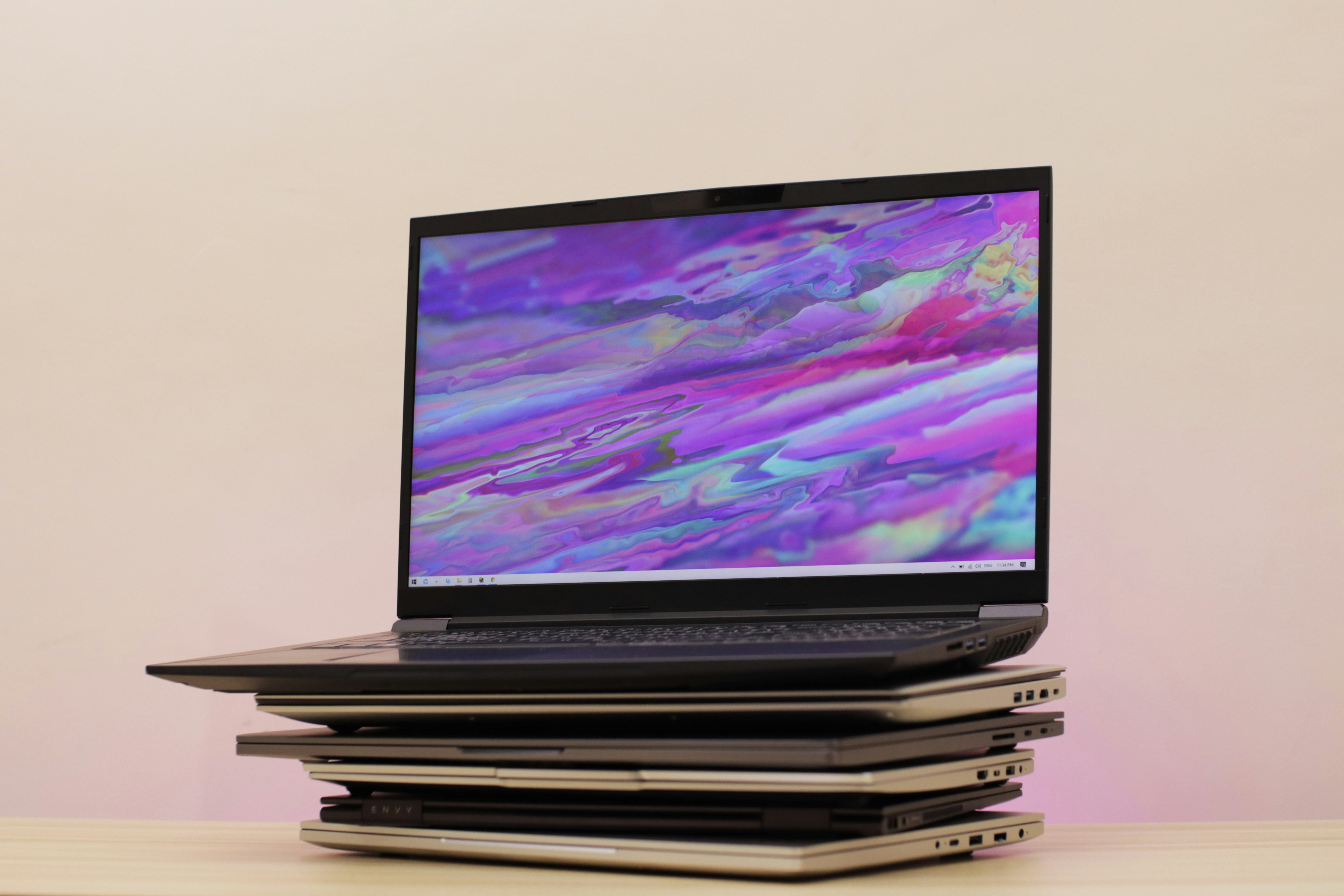
In the current landscape of personal devices, upgrading to a newer model becomes necessary at some point. Companies regularly release new versions of our smartphones, tablets, and laptops, making the pull to upgrade that much harder to resist. Whether you wait until your current device dies, or you jump at the first chance to secure the latest version, you’ll eventually have to deal with the process of choosing a replacement for your devices.
When that time comes, you not only have to set up your new device — you also have to dispose of your old one. When it comes to laptop computers, improper disposal can lead to dangerous materials endangering your community and the environment. However, if you choose to dispose of your laptop with the help of a professional electronics recycling service, you can limit the environmental impact while also contributing to more sustainable practices.
In this blog, we’ll cover the process of how to prep your laptop for disposal, along with your options for recycling it responsibly.
The Benefits of Recycling a Laptop
Did you know 31% of Americans hold onto their old laptop computers and other devices? The remaining folks with old devices trade in for an upgrade, sell them, or simply throw them away. While trading in and selling them are great ways to deal with old devices, throwing them away can have dangerous consequences.
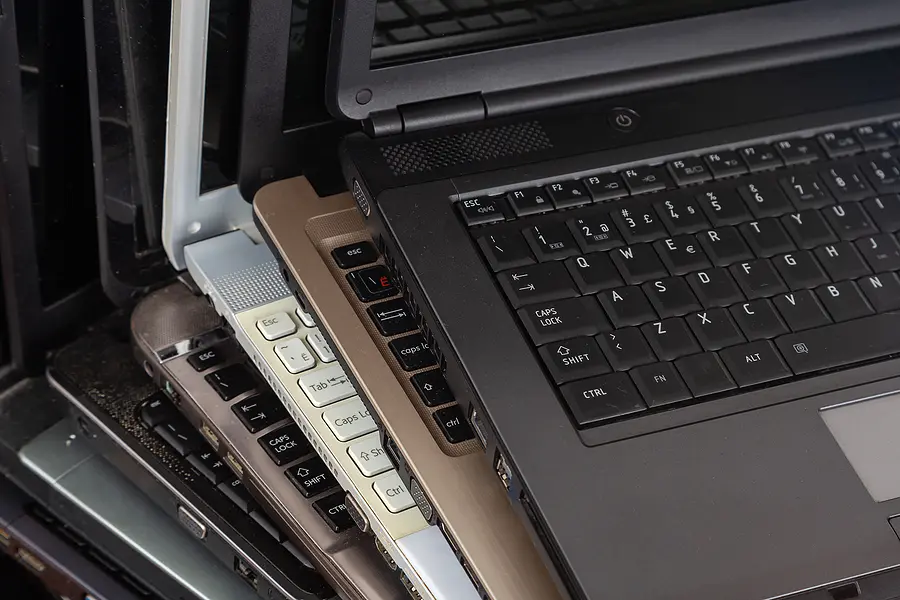
Laptops and other modern devices contain dangerous heavy metals and hazardous chemicals that can harm the environment. Devices that are thrown away end up in our landfills and leach chemicals and metals into the soil. This has long-term consequences that are hard to reverse. By recycling your computer, you’re helping to keep those chemicals and metals out of the soil.
Recycling also makes it possible for the gold, silver, and platinum materials used in laptops, televisions, and other electronics to be extracted and re-used. These materials are used to develop new devices, creating a more sustainable production workflow. Working with a professional electronics recycler also ensures that hazards are handled safely, resources are preserved in the process, and your data is securely destroyed. Most e-waste recycling providers follow local recycling and data privacy regulations to help protect the community and your personal information.
Preparing Your Laptop for Recycling
Preparing your laptop for recycling is a critical step in protecting your data. Criminals have gotten smart with their methods of data theft, allowing them to commit fraud or steal your identity. Ensuring you have a backup of data while wiping your computer and other devices ahead of recycling can help you safeguard your data. We’ve outlined this and a few more steps you can take.
Back Up Your Data
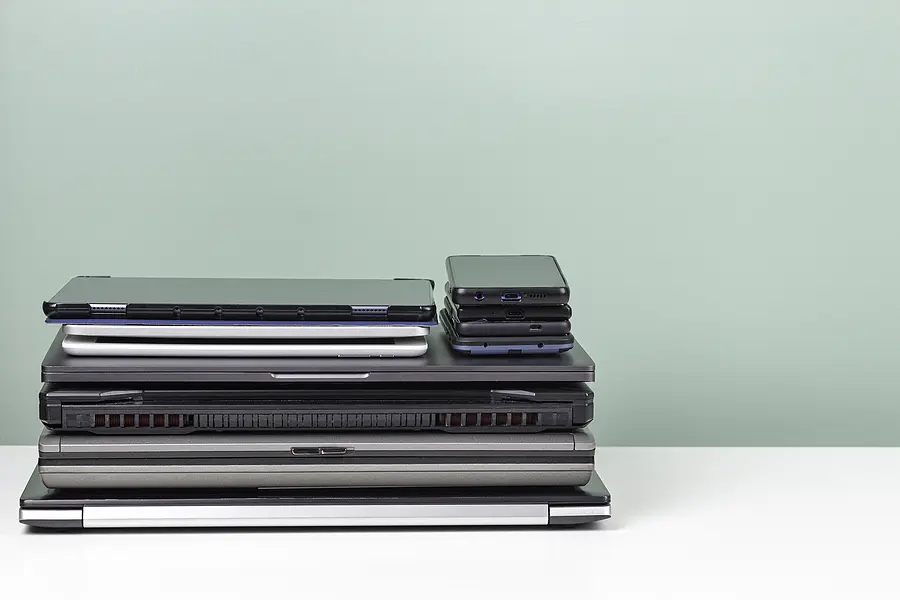
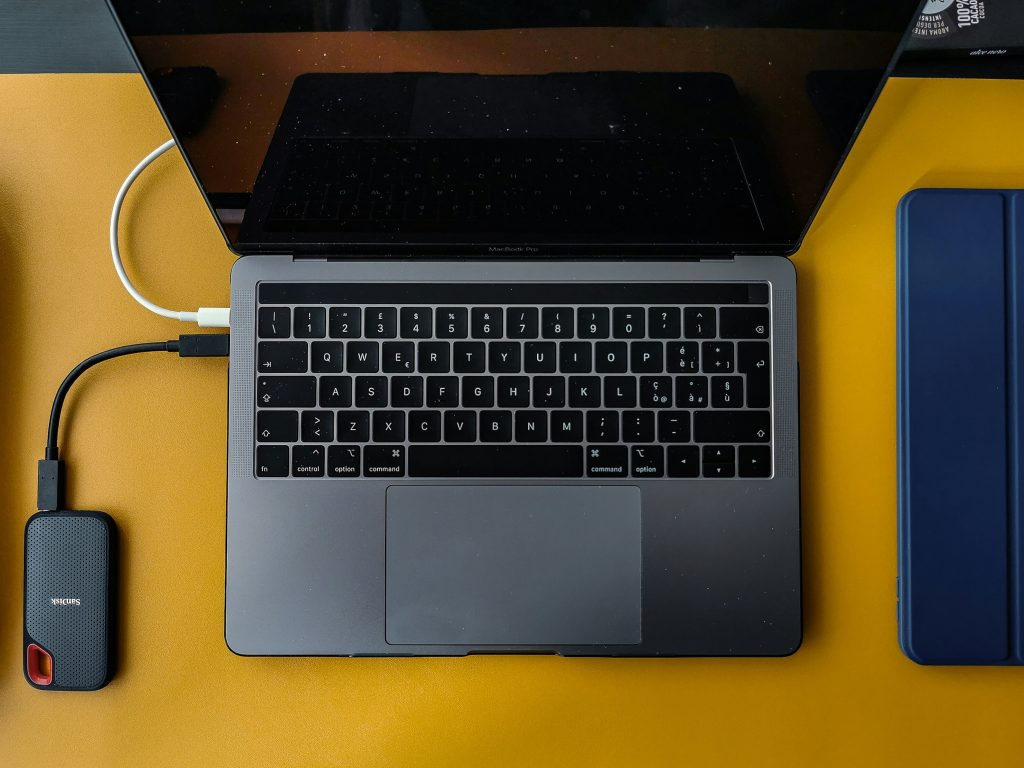
It’s smart to create a backup of the data and files you have on your laptop. This helps you save any information you want to keep. You can backup your data manually or use backup software to speed up the process. Using cloud storage and a physical backup drive together will help ensure your information is safe and accessible for the future. Reliable data storage will also make setting up your new computer easier (and help you maintain data retention compliance if necessary).
Deactivate and Deauthorize Services
Like other everyday devices, laptops have a number of applications and programs that run regularly. Some of these you may not even realize are active. It’s a good idea to go through your laptop’s programs to deactivate and deauthorize them. This can be especially helpful for common programs like Adobe or streaming apps that limit the number of devices their service can run on.
Wipe Your Data and Restore Factory Settings
Once you’ve got a reliable backup of your data, you can wipe it from your computer’s hard drive and do a complete reinstall of your operating system. Now, it’s important to know that deleting data is not the same as wiping it. Deleting files simply moves files from view, rather than erasing them. You’ll want to wipe the disk clean. A wiped hard drive makes it much harder to recover information. But make note — it does not mean that your files are irretrievable. A professional recycling provider can take additional steps to help you ensure your data is securely destroyed and fully unrecoverable.
Destroy the Hard Drive
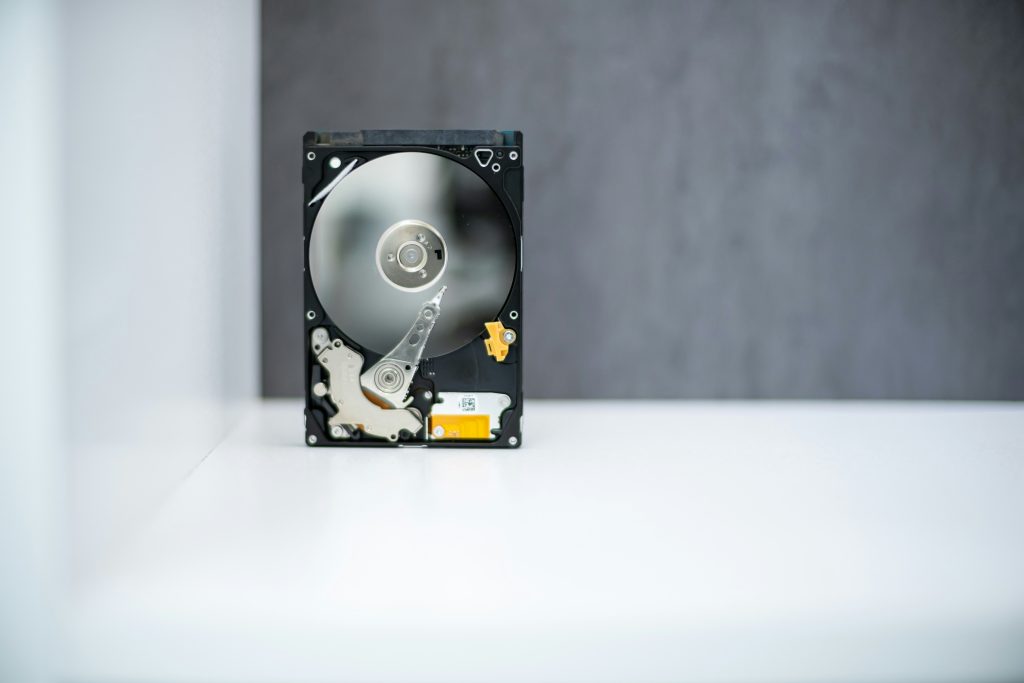
After you’ve backed up your data and reinstalled your laptop’s operating system, you have the option of destroying the hard drive itself. Physically destroying a hard drive is the only way to permanently destroy your data. As we mentioned above, many certified recycling and shredding services offer this as part of their service. The hard drive destruction methods they use involve powerful shredders that break hard drives into tiny pieces. The pieces are then sorted for recycling and securely disposed of.
How to Dispose of Your Laptop
There are several options for recycling your laptop. Based on the age and function of your computer, you can donate, sell, or recycle your device.
Donation
Do you have a laptop that’s less than five years old and still in working condition? These can be donated to schools, libraries, and nonprofit organizations. A quick internet search can help you find organizations in your area that are in need of computer donations.
Reselling
If your laptop isn’t too old and still in working condition, you can try selling it through an online marketplace or trade-in program. Many electronics manufacturers and retailers offer money or discounts in exchange for old laptops and other electronic devices. Make note that trade-in programs often refurbish or recycle your device to be re-sold.
Recycling
For laptops that were used for highly sensitive information, professional recycling may be the best option. Criminals can often recover a laptop’s data when the hard drive isn’t destroyed. With professional electronics recycling services, your laptop’s hard drive is destroyed as part of strict security protocols that exist to ensure data is unrecoverable. The recycling process includes a few other steps as well, which we’ve outlined below.
- Find an electronics recycling provider in your area (our directory is a great resource).
- Schedule a pick-up or drop off your laptop at your chosen recycling provider.
- Your laptop will be disassembled, removing all hazardous materials for safe disposal.
- Your laptop will be run through a shredder to break it down into small pieces.
- Plastics, metals, glass, and other materials will be separated. Magnets, eddy currents, and infrared cameras are used to separate the iron, steel, aluminum, and copper.
- Every viable material will be collected and shipped to a secondary processor or manufacturer for re-use.
Recycling laptops, smartphones, and other devices saves energy and resources while preventing harmful chemicals from entering the environment. Moreover, shredding these devices helps protect your private data and prevent stolen information.
Recycle Your Laptop With ShredTronics
Whether you’re an individual with one laptop or an organization with multiple devices to retire, ShredTronics can help. We have a large nationwide network of certified electronics recyclers who can help you tackle your destruction project. From data center decommissioning and disposal, certified data destruction, corporate e-waste and IT asset recycling, and IT asset value recovery and remarketing, our providers can give you peace of mind that your devices are handled securely.
Whether you’re in Denver or Detroit, we’ve got local laptop recyclers who will provide free, no-obligation price quotes in minutes. Just give us a call at (844) 648-4908 or fill out the form to connect with them today.