

In this digital age, we rely heavily on the electronic devices we use. Between work, socialization, and managing our personal information, modern electronics are practically a necessity. Our cell phones, tablets, and laptops all keep us connected. But these devices also have our private data stored inside. When the time comes to upgrade a device, what are you meant to do with your old electronics? What about the data that’s stored on them?
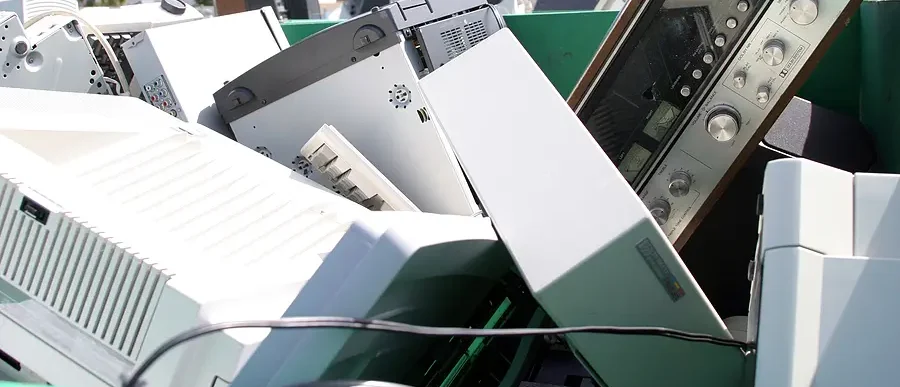
The process of throwing out electronics is not as simple as tossing other household waste. Certain components that make up devices have the potential to be environmentally harmful when improperly recycled. This e-waste has become one of the fastest growing solid waste streams in the world, creating a threat to the health and safety of the public. And if that weren’t enough, we risk our data falling into the wrong hands when it isn’t completely removed before electronics are tossed.
In this blog, we’ll dive deeper into the various electronic devices that are highly used for storing data today, along with the risks of improper disposal and tips to decrease those risks.
Common Electronics Used for Storing Data
Smartphones and Tablets
These days, it’s common for a household to have at least one smartphone or tablet, if not a slew of multiple devices for each person. These electronic devices store a wealth of personal information, including contacts, emails, photos, and even financial details. With frequent upgrades, older smartphones and tablets are often replaced and need to be properly discarded.
Laptops and Desktop Computers
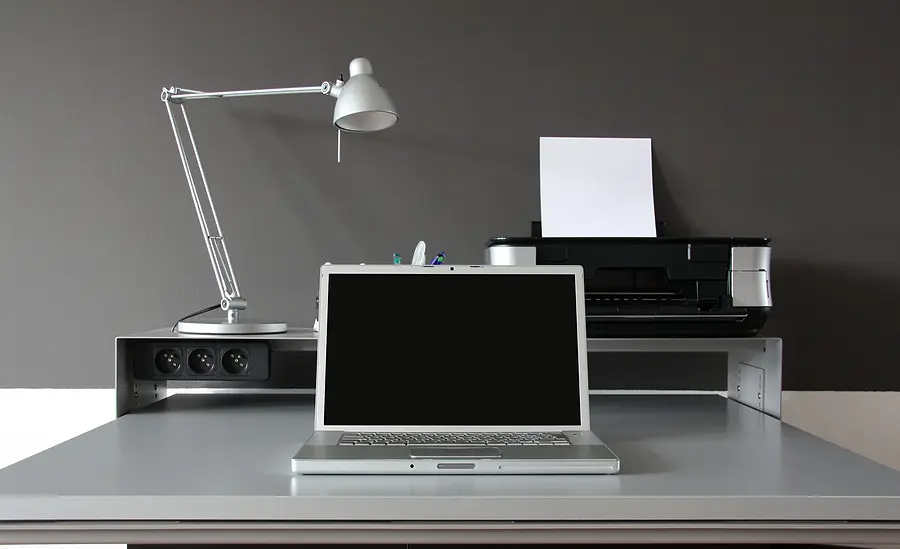
Unlike in decades past, laptops and desktop computers have become an essential part of everyday life in many households. We use them for both work and personal use. These devices store vast amounts of data, including documents, personal records, and software. When upgrading to a new computer, the old one is often set aside but still contains potentially recoverable data.
External Hard Drives and USB Flash Drives
External hard drives and USB flash drives are most commonly used for data backups and the transfer of information between devices. As these devices age and need to be replaced with newer models, this sensitive information will need to be removed.
Printers and Scanners
Today, most printers and scanners come with an internal memory that automatically stores scanned images, documents, and other sensitive information. As helpful as this can be during everyday use, you’ll have a couple extra steps to take when it’s time to dispose of your old device.
Gaming Consoles
As video games continue growing in popularity, gaming consoles like PlayStation, Xbox, and Nintendo Switch have become commonplace in the average home. Today, these systems require users to create profiles complete with personal information, saved data, and payment information. Therefore, it’s just as important to ensure that all this data is removed when selling or discarding a console.
The Risks of Improper Device Disposal
Data Falls Into the Wrong Hands
The two most obvious risks of throwing out electronics and data-storing devices are data breach and identity theft. When a criminal finds a device that wasn’t properly wiped and discarded, they can retrieve your personal information.
Unfortunately, this can happen even if you believe you deleted your data. This personal information can then be used for all kinds of fraudulent activities. For example, criminals may open credit accounts under your name, access your bank accounts, or even steal your identity.
Environmental Harm
Discarded electronic devices, often called e-waste, contain harmful chemicals like lead, mercury, cadmium, and more. When these devices are tossed out with the regular trash, they end up in landfills. The toxic substances in the devices end up leaching into the soil and water. This poses a serious threat to the local environment and can result in a public health concern.
By properly recycling your e-waste, you prevent these toxins from contaminating the environment. Additionally, you allow for the recovery of valuable materials like gold, silver, and copper for reuse.
Preparation Tips to Consider
If you’re planning on upgrading to a new device, there are ways to mitigate the risks associated with throwing out your old device. These key steps will get you started.
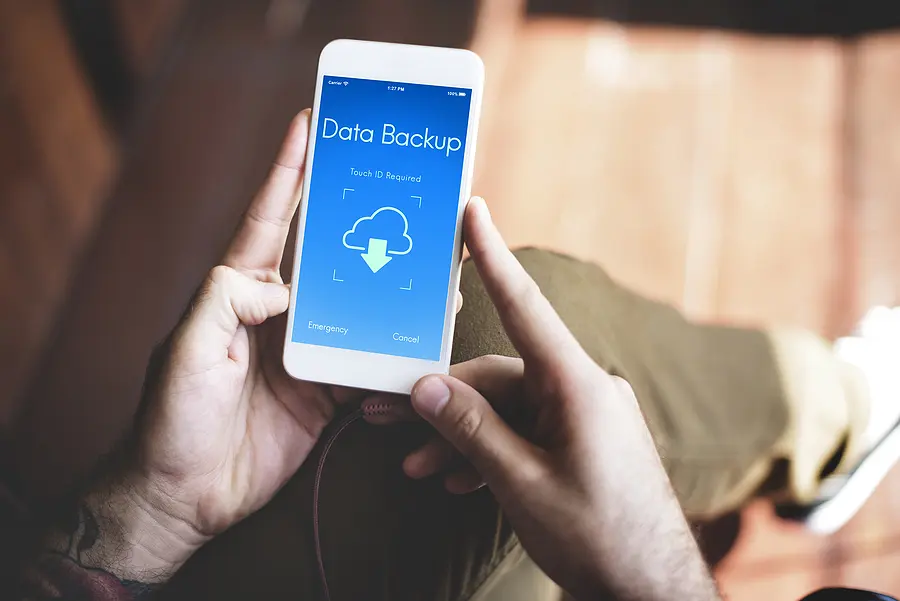
1. Back Up Your Information: Before you say goodbye to your old electronics, you need to choose a new location to store all your sensitive data. This can be an external hard drive you use for temporary data storage, the new device you’ve chosen to upgrade to, or a simple cloud storage solution.
2. Wipe Your Data: Rather than taking on the long, tedious process of deleting each file one by one, you can use a specialized data destruction software that’s designed to remove every trace of your information. This way, even a criminal’s advanced tools won’t be able to recover your data.
3. Ask the Professionals: When you’re unsure of how to fully remove your data when throwing out electronics, you always have the option to ask a local professional for help.
Safely Dispose of Your Electronics with ShredTronics
When you’re getting rid of electronics and want to do it right, ShredTronics can help. Regardless of where you live, we’ll connect you with local professionals who specialize in securely wiping your data and properly recycling your devices.
Our network of trusted providers can help you manage your old electronic devices through a variety of services. Is your organization interested in IT asset disposition (ITAD), IT asset value recovery and remarketing, or corporate e-waste and IT asset recycling? Our providers can handle these needs, along with data center decommissioning and disposal and certified data destruction. Individuals can also get their personal devices taken care of with consumer electronics recycling or bulk junk removal services.
Regardless of which service(s) you choose, you’ll receive a Certificate of Destruction as proof and for peace of mind. Connect with our team by filling out our form or calling (844) 648-4908 today! We’ll provide you with the free, no-obligation quote you need to get started.